How to Read an AI Credit Pricing Page Before You Buy
An AI plan that says 625 credits tells you nothing until you know what one second of video costs. Here is the order to read an AI credit pricing page in, using figures published by Runway, HeyGen, Captions and InVideo as checked on October 11, 2026.
This article is a documentation review: it is based on the vendors' own published pages, checked on the date shown. We may earn a commission from some links; it never affects what we recommend.

A credit allowance is not a price. It is a numerator, and the pricing page usually hides the denominator two clicks away in a help article. Runway's Standard plan lists 625 credits a month, which the same page converts to 52 seconds of Gen-4.5 video. That is the number a buyer needs. This guide sets out the order in which to read an AI credit pricing page: unit first, then output, then rollover, then billing period, then seats, then overage. Every figure below was read on the vendors' own pages on October 11, 2026.
Start with the unit, not the headline price
The first question is what one credit buys. Vendors answer it at very different levels of detail, and the gap tells you how much homework is left.
Runway publishes the rate in its own pricing FAQ: "Gen-4.5 uses 12 credits per second of generated video," per the Runway pricing page checked October 11, 2026.
The same page carries a model table: Gen-4.5 at 60 credits per 5 seconds, Aleph 2.0 at 140 credits per 5 seconds, Gen-4 Image Turbo at 2 credits per image. Three orders of magnitude inside one currency.
Captions does the same in its help centre. Prompt to Video costs "16 credits every 6 seconds", an AI Edit costs 10 to 40 credits, and Google Veo 3 costs 64 credits for 4 seconds, per the Captions credits documentation on the same date.
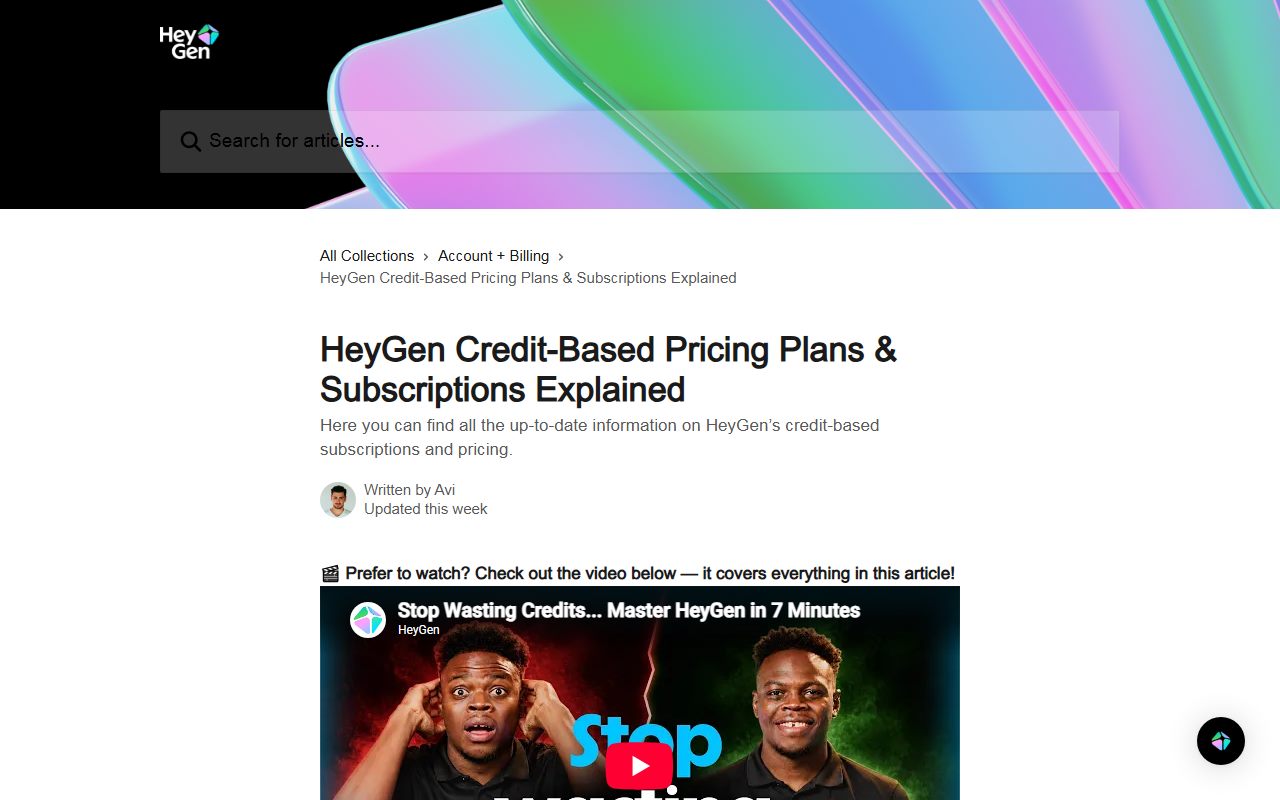
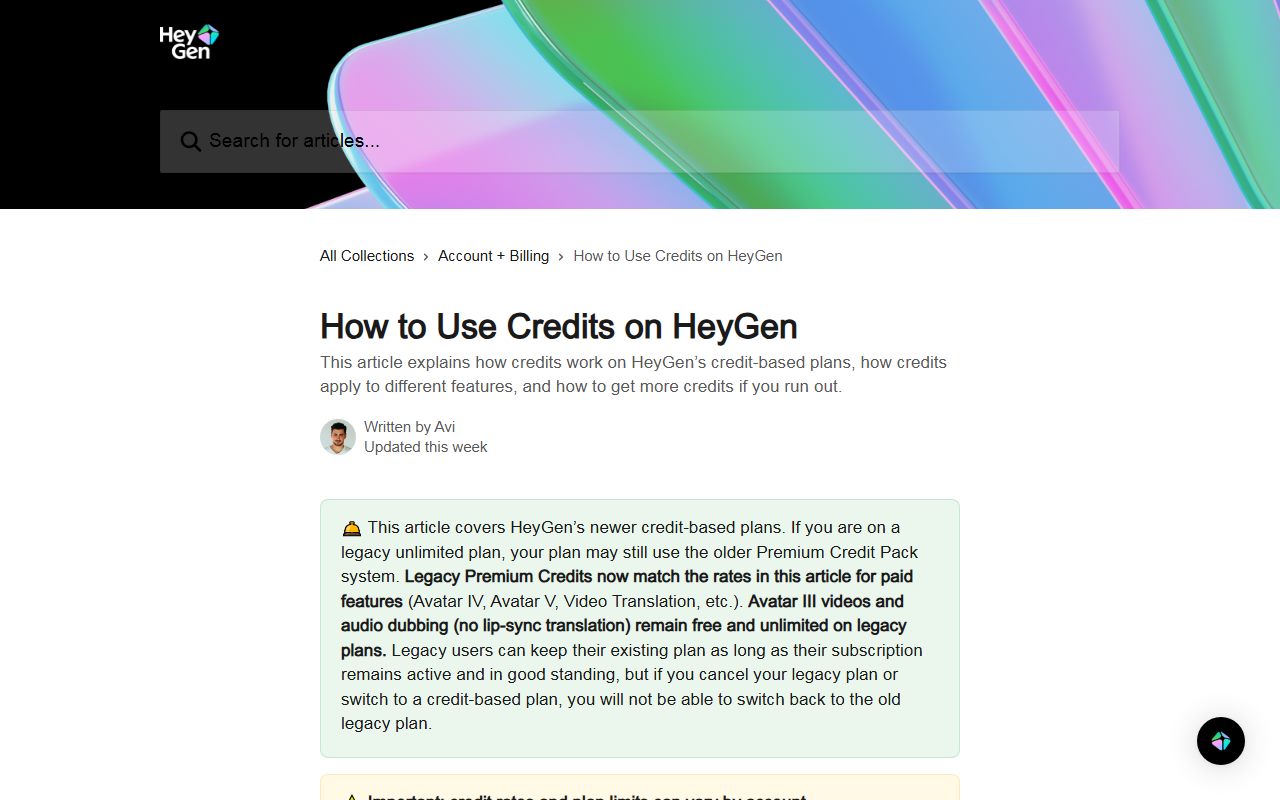
HeyGen's pricing page calls credits its single currency but does not print the rate there. The rate lives in a HeyGen help article: Avatar III Video Look at 4 credits per minute, Avatar IV Video Look at 31, Avatar V at 48.
Same product, three burn rates twelve times apart. A buyer who sizes a plan on the cheapest avatar model and then uses the newest one will run out well before the month does.
When no rate is published anywhere, treat the allowance as unpriced. That is the same trap as a plan sold in tokens, prompts or seats with no stated conversion, which is why a prompt allowance needs its own arithmetic before it can be compared.
Convert the allowance into output you recognise
Once you have the unit rate, turn the allowance into finished work. Credits are abstract; 52 seconds of video is not.
Runway does this conversion for you. The pricing page states 625 credits a month equals 52 seconds of Gen-4.5, 2,250 credits equals 187 seconds, and 9,500 credits equals 791 seconds, as of October 11, 2026.
InVideo also converts, in its own terms: 190 credits a month on Basic is described as roughly 76 Nano Banana Pro image generations or about 7 Seedance 2 videos, per its pricing page on the same date.
Do the division yourself when the vendor will not. Our arithmetic on HeyGen's published rates: a 600-credit Creator plan covers 150 minutes of Avatar III Video Look, or about 12 minutes of Avatar V.
The plan did not change. The output fell by roughly 92 percent on our figures. That spread is the reason a credit total alone cannot settle a buying decision, and why per-unit rules beat headline allowances.
Find the rollover rule, because it sets the real monthly budget
Rollover decides whether an uneven workload fits the plan. Four vendors, four different rules, all read on October 11, 2026.
- Runway: Standard and Pro credits do not roll over and reset within 24 hours of the billing date; Max rolls over up to one month; separately purchased credits never expire.
- HeyGen: on monthly billing, unused credits roll over for one additional billing cycle; on annual billing they accumulate until the renewal date; dropping to Free forfeits the balance.
- Captions: rollover applies from the Basic tier up and is capped at three times the monthly allowance, so a 500-credit plan can hold at most 1,500.
- InVideo: the pricing page states plainly that unused credits do not roll over to the next month.
The practical test is your own calendar. If output arrives in bursts, a no-rollover plan has to be sized for the busiest month, not the average one, and the quiet months are wasted spend.
Check whether the number on the card is monthly or annual
This is where most published comparisons go wrong. The large figure on an AI pricing card is often the annual rate shown as a monthly equivalent.
Runway is explicit, striking through $15 and showing $12 a month on annual billing for Standard, with $35 reduced to $28 for Pro and $95 reduced to $76 for Max.
Writesonic shows $79 with the line "per month, billed annually" and a stated saving of $240 a year. The true monthly rate is not printed next to it unless the toggle is switched.
Surfer prints "82 USD per month" with "Billed yearly" directly underneath on its own pricing page. Grammarly shows "$12 USD" for Pro with no billing period printed next to the price at all, as read on October 11, 2026.
Until that line is resolved, two plans are not comparable. The same problem shows up in assistant subscriptions, where the tiers look alike until the billing basis is pinned down, as in the Claude Free, Pro and Max comparison.
Separate the seat fee from the usage meter
Many AI tools now charge twice: once for access and once for output. Reading only one number produces a wrong annual figure.
HeyGen's Business plan is listed at $149 a month for the first seat with additional seats at $20 per seat per month, and the credit allowance of 1,500 a month is shared, not per seat.
InVideo goes the other way: credits are quoted per seat, with 190 on Basic, 1,000 on Pro and 3,000 on Ultra, plus 10 free guest seats on Pro carrying 190 credits each.
Writesonic lists 1 user on Starter and sells extra users at $50 per user per month on higher tiers. A three-person team therefore pays the plan price plus two seat fees plus any overage.
For a team, multiply seats by the seat fee, then check whether the meter is pooled or per person. Pooled meters favour teams with one heavy user; per-seat meters punish them.
Price the overage before you sign, not after
Running out mid-month is the normal case, not the edge case, and the remedy is priced very differently across vendors.
HeyGen sells extra credits to Business customers at $0.05 per credit in blocks of 100 for $5, with auto-reload for Business only. Creator and Pro customers are told to upgrade instead.
Runway allows top-ups with a minimum purchase of 1,000 credits, and lists "Top-up credits anytime" as a Pro feature rather than a Standard one.
Where upgrading is the only remedy, the cheap plan has a hidden ceiling. A $29 plan that forces a jump to $49 in week three costs $49 a month, not $29.
Write the next tier's price into the budget before choosing the current one. That is the same discipline the Claude plan ladder demands, and the same one that makes credit stacks for writing tools predictable.
Run this six-line check on any AI pricing page
- What does one credit, prompt or minute buy, and where is that rate published?
- What does the monthly allowance convert to in finished output at the model you will actually use?
- Do unused units roll over, and is there a cap?
- Is the displayed price monthly or an annual rate shown monthly?
- Is there a seat fee on top of the meter, and is the meter pooled or per seat?
- What does extra usage cost, and is buying more even allowed on your tier?
All six answers should come from the vendor's own pages. Review sites, including this one, go out of date; a pricing page carries the figure the vendor will bill you on today.
That is also why every plan figure on this site carries a checked date, including in the Claude Free, Pro and Max breakdown and the AI writing credit explainer.
Bottom line
Read the unit rate before the price, convert the allowance into output, then confirm rollover and billing period. Those four steps catch most of the gap between a plan's headline and its real cost.
The vendors above change plans without notice. Every figure here reflects pages read on October 11, 2026, and the model line-up inside each credit table moves faster than the prices do.
Frequently asked questions
Why do AI tools sell credits instead of a flat rate?
Because model costs differ by orders of magnitude. Runway's own table runs from 2 credits for a Gen-4 Image Turbo picture to 160 credits for a 4-second Seedance 2.0 Pro clip at 1080p, per its pricing page checked October 11, 2026.
Is a bigger credit allowance always better value?
Not by itself. Runway lists 625 credits for $12 a month and 9,500 for $76 on annual billing. That is better per credit, but only if the credits are used; Standard and Pro credits do not roll over.
How do I compare a credit plan with a prompt plan?
Convert both into finished output. Grammarly's Pro tier lists 2,000 prompts per member per month and counts one prompt per request, so the unit is a request, not a word or a second of video.
Do unused AI credits usually expire?
Usually yes, with exceptions. InVideo states credits do not roll over. Captions allows rollover from Basic up to three times the monthly allowance. Runway rolls over one month on Max only, as of October 11, 2026.
What is the single most common pricing page mistake?
Comparing an annual rate shown as a monthly figure against a true monthly price. Runway, Writesonic and Surfer all display annual rates per month, so a side-by-side with a monthly price overstates the cheaper plan's advantage.
Sources
- Runway pricing page (plans, model credit table, credits FAQ) (checked Oct 11, 2026)
- HeyGen pricing page (checked Oct 11, 2026)
- HeyGen help centre: credit-based pricing plans explained (checked Oct 11, 2026)
- HeyGen help centre: how to use credits (checked Oct 11, 2026)
- Captions help centre: understanding credits and AI usage (checked Oct 11, 2026)
- InVideo pricing page (checked Oct 11, 2026)
- Writesonic pricing page (checked Oct 11, 2026)
- Surfer pricing page (checked Oct 11, 2026)
- Grammarly plans page (checked Oct 11, 2026)