Chat With PDF Limits: Pages, Files and Questions
Every chat-with-PDF tool advertises a page limit, and no two of them mean the same thing. Humata counts pages a month across the account and sells more at a cent or two each. AskYourPDF caps pages inside a single document. PDF.ai caps only the pages it will run OCR on. ChatPDF publishes no cap at all. Pages read November 3, 2026.
This article is a documentation review: it is based on the vendors' own published pages, checked on the date shown. We may earn a commission from some links; it never affects what we recommend.
A 400-page contract will break one of these tools, cost two dollars on another, and sail through a third. The published page limits look comparable and are not, because each vendor counts a different thing.
One counts pages per month across the whole account. One counts pages inside a single file. One counts only the pages it will put through optical character recognition.
Four document chat pricing pages were read on November 3, 2026. Three were readable. The fourth returned a 404.
Humata meters pages a month and sells more by the page
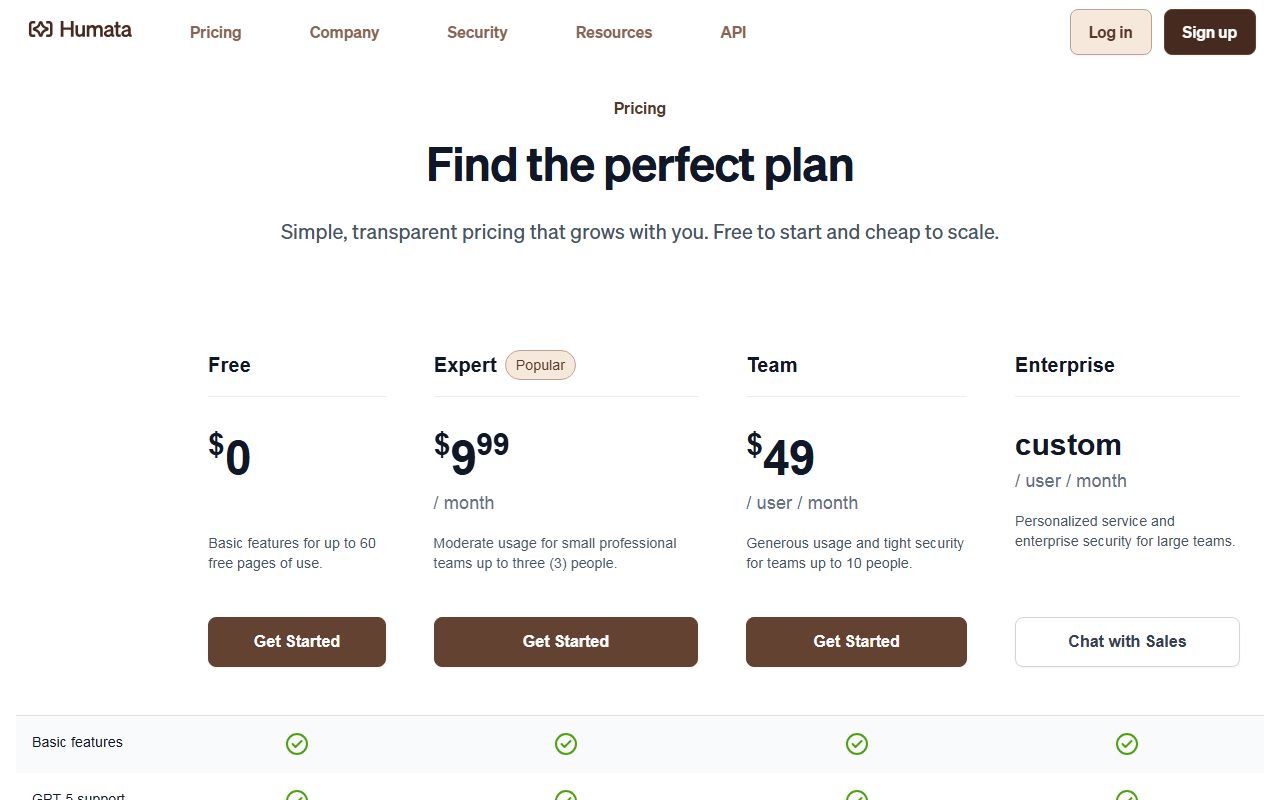
Humata is the only one of the three with a straightforward monthly page budget. Its table reads 60 free pages a month on Free, 500 on Expert, 5,000 on Team and custom on Enterprise.
It is also the only one that puts a price on the next page. The same table lists additional pages at $0.02 a page on Expert and $0.01 a page on Team, with none available on Free.
That is the cleanest overage rule in this set. Running 1,000 extra pages through Expert would add $20 a month at the published rate, by our arithmetic.
The seat arrangement is unusual and worth reading twice. Expert is listed at $9.99 a month and described as covering teams of up to three people, with no per-user wording on the price.
Team is listed at $49 per user per month for up to ten people. So the per-head cost jumps from about $3.33 to $49 between two adjacent tiers, by our arithmetic.
What triggers that jump is capability, not headcount alone. The table shows OCR, folder and department permissions, response personalisation and enterprise support arriving only at Team.
That matters because OCR is what scanned documents need. A Free or Expert account facing a scanned 200-page report has no text layer to work with, whatever the page budget says.
Seat-level feature gating like this is the same pattern described in what Notion AI adds to a seat.
AskYourPDF caps pages inside one document, then caps the day
AskYourPDF publishes no monthly page budget at all. Its limit is per document, and it is generous: 100 pages per document on Free, 2,500 on Premium, 6,000 on Pro and unlimited on Enterprise.
The real ceiling sits on the day rather than the page. The plan cards list 1 document per day on Free, 50 on Premium, 150 on Pro and 1,000 on Enterprise.
Question counts are capped daily too, at 50 on Free, 1,200 on Premium, 100,000 on Pro and unlimited on Enterprise. Conversations run 3, 50, 10,000 and unlimited a day.
Upload size is the quiet constraint. The cards read 15MB on Free, 31MB on Premium, 877MB on Pro and 1,431MB on Enterprise, which is a far steeper ladder than the page counts.
A 2,500-page document inside a 31MB ceiling is plausible for clean text and unlikely for scans. The page count and the size cap have to be read together.
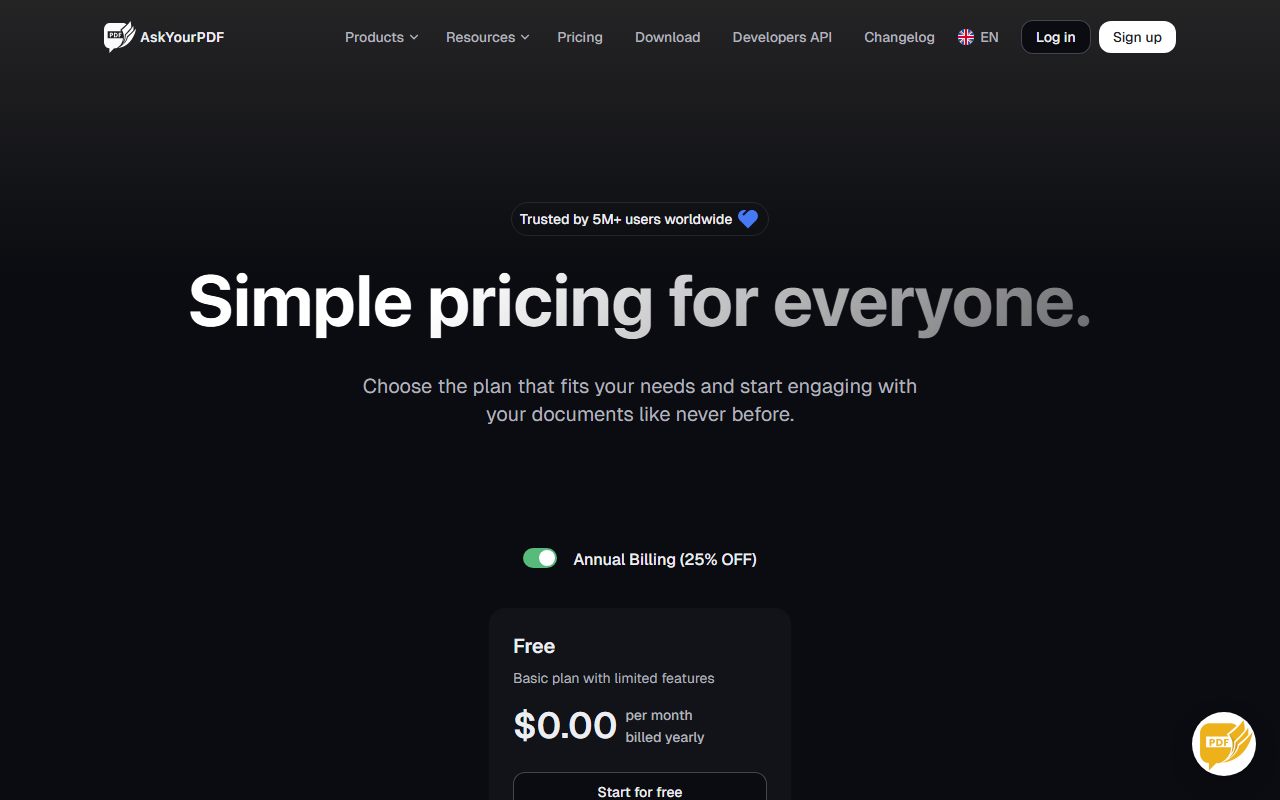
Prices on the cards were $0.00, $11.99 and $14.99 a month with the annual toggle selected and labelled 25 percent off. The monthly-billed figures were not exposed to the rendered page, so they are not quoted here.
Two of the premium models are gated behind a separate currency: Claude 4.5 Sonnet, Claude 4.5 Opus and Gemini 2.5 Pro are each marked "Credits required" on the paid tiers, with 10 free credits on Premium and 30 on Pro.
The page also carries labels for "Price per chat message via API" and "Price per upload via API" without values attached to them in the rendered page. No API rate for AskYourPDF appears here as a result.
A second currency sitting behind the headline plan is now normal. How to read an AI credit pricing page sets out where to look for it.
PDF.ai caps the OCR pages, not the reading
PDF.ai splits the limit in a third way. Its comparison table gives unlimited uploads and unlimited questions on the top two tiers, while OCR stays capped per file on every tier.
- Hobby, $0: 1 upload, 100 questions a month, OCR up to 2 pages per file, 10MB maximum file size.
- Pro, $10 a month billed yearly: 100 uploads, 1,000 questions a month, OCR up to 10 pages per file, 50MB maximum.
- Ultimate, $20 per user a month billed yearly: unlimited uploads and questions, OCR up to 50 pages per file, 50MB maximum.
- Enterprise, $30 per user a month billed yearly: unlimited uploads and questions, OCR up to 100 pages per file, 100MB maximum.
- Advanced models and team invites begin at Ultimate; Hobby and Pro are listed as basic models.
So the word "unlimited" on the top tiers describes questions, not pages. A 300-page scan still meets a 100-page OCR ceiling on the most expensive plan listed.
The commercial API is metered separately and priced in credits. The page states uploading costs 2 credits, a GPT-3.5 message 1 credit and a GPT-4 message 4 credits.
Credit packs read $50 a month for 1,000, $112 for 2,500, $200 for 5,000 and $350 for 10,000, with custom quotes above that. That is $0.05 a credit at the bottom and $0.035 at the top, by our arithmetic.
The page also notes that its Ultimate plan API carries usage limits and is for non-commercial use only. The commercial path is the paid credit add-on.
ChatPDF does not publish its page cap
The ChatPDF pricing URL returned a 404 on November 3, 2026. The home page carries no plan price either, only a reference to a free plan and a ChatPDF Plus plan.
Its own FAQ gives one usable figure: the free plan analyses 2 documents every day, and Plus is described as unlimited document analysis with more advanced features.
The page cap is more interesting by its absence. The product's error strings are present in the page source and read "This file has too many pages. The Plus Plan limit is {limit} pages."
The same template appears for the free tier. So ChatPDF enforces a page ceiling it never fills in on any public page we could read on the day.
That is not a claim that no limit exists. It is a claim that a buyer cannot find the number before paying.
What to check before you upload
- Ask whether the page limit is monthly, per document, or OCR only. All three appear in this set.
- Check the upload size cap next to the page cap. AskYourPDF pairs 2,500 pages per document with a 31MB file on Premium.
- Check whether OCR is included at all. Humata lists it only from Team at $49 per user a month.
- Check for a second currency. AskYourPDF gates three premium models behind credits; PDF.ai sells API credits separately.
- Price the overage before you need it. Humata is the only one here with a published per-page rate, at $0.02 or $0.01.
- Treat "unlimited" as scoped. On PDF.ai it describes questions while OCR stays capped at 100 pages a file.
Daily caps behave differently from monthly ones, because an unlucky week cannot be smoothed out. Where the Perplexity Pro limits sit and the Grammarly free and Pro prompt limits cover the same shape.
For free tiers worth actually using, the Otter and Fathom free plan limits and what each Claude plan includes are the closest comparisons.
Frequently asked questions
Which chat-with-PDF tool handles the longest documents?
On pages read November 3, 2026, AskYourPDF publishes the highest per-document ceiling at 6,000 pages on Pro and unlimited on Enterprise. PDF.ai caps OCR at 100 pages a file even on its $30 tier.
How much does Humata charge for extra pages?
Its table lists additional pages at $0.02 a page on Expert and $0.01 a page on Team. Free has no additional-page option, so the 60-page monthly allowance is a hard stop.
Do these tools handle scanned PDFs?
Only where OCR is included. Humata lists OCR from Team at $49 per user a month. AskYourPDF lists OCR support on Premium and above. PDF.ai includes it but caps it per file.
What does ChatPDF cost?
Its pricing page returned a 404 on November 3, 2026, and no plan price appeared on the home page. Its FAQ says the free plan analyses 2 documents a day and Plus offers unlimited analysis.
Why is a page limit not enough to compare these tools?
Because the three readable vendors count differently: Humata counts pages a month across the account, AskYourPDF counts pages inside one document, and PDF.ai counts only the pages it will OCR.
Is AskYourPDF cheaper than PDF.ai?
On the annual figures read that day, PDF.ai Pro was $10 a month against AskYourPDF Premium at $11.99. PDF.ai Ultimate was $20 per user against AskYourPDF Pro at $14.99 with no per-user wording.
Bottom line
Bring your own worst document to the comparison. A single 400-page scan separates these four plans faster than any feature table does.
Then check the units twice. The word "pages" means three different budgets across three vendors on the same day, and a fourth vendor leaves it as a placeholder.
All figures reflect the vendors' own pages as read on November 3, 2026 and can change without notice. Confirm the page, size and OCR limits before paying for a year.
Sources
- Humata pricing (Free, Expert, Team and Enterprise tiers, monthly free page allowances, additional page rates, OCR and permission gating by tier) (checked Nov 3, 2026)
- AskYourPDF pricing (annual-billed plan prices, pages per document, documents, questions and conversations per day, upload size caps, credit-gated premium models) (checked Nov 3, 2026)
- PDF.ai pricing (Hobby, Pro, Ultimate and Enterprise annual figures, upload and question limits, OCR pages per file, file size caps, commercial API credit packs and per-action credit costs) (checked Nov 3, 2026)
- ChatPDF (pricing URL returned 404; home page FAQ states the free plan analyses two documents a day, and the page-limit error string is published with an unfilled placeholder) (checked Nov 3, 2026)