Figma AI Credits: Two Caps, Not One
Figma's free tier publishes two AI ceilings at once, one daily and one monthly. Only one of them ever binds, and the paid tiers invert the usual volume discount.
This article is a documentation review: it is based on the vendors' own published pages, checked on the date shown. We may earn a commission from some links; it never affects what we recommend.

Figma's pricing page does something unusual on its free tier. It prints two AI credit ceilings side by side, one per day and one per month, and leaves the reader to work out which one actually stops them.
The answer is only one of them, and not the one the page leads with. Worked through, the daily figure is close to decoration, and the paid tiers hide a second surprise about credits per dollar.
Every figure below was read on Figma's published plans and pricing page, checked October 31, 2026. The page states "Prices in USD".
A free plan with two ceilings
The Starter plan is listed as free, with "Free limited access to Figma products". Its AI line reads "150 AI credits/day, up to 500 AI credits/mo".
Those two numbers are not consistent with each other in any useful way. By editorial calculation, 150 a day across a 30-day month would be 4,500 credits, nine times the monthly ceiling.
Run it the other way and the monthly cap is reached in under four days. At 150 credits a day you hit 450 on day three and cross 500 on day four, leaving 26 or more days with nothing left.
So the daily cap only binds in one narrow case: a single heavy session in the first four days of the billing month. For everyone else the monthly 500 is the real limit.
That is worth naming because a daily figure reads as generous and a monthly figure reads as tight. Checking which period actually binds is step one in how to read an AI credit pricing page.
What a paid seat adds
Figma sells several seat types per plan, and each carries its own credit allowance. The page lists them separately rather than as one number per plan.
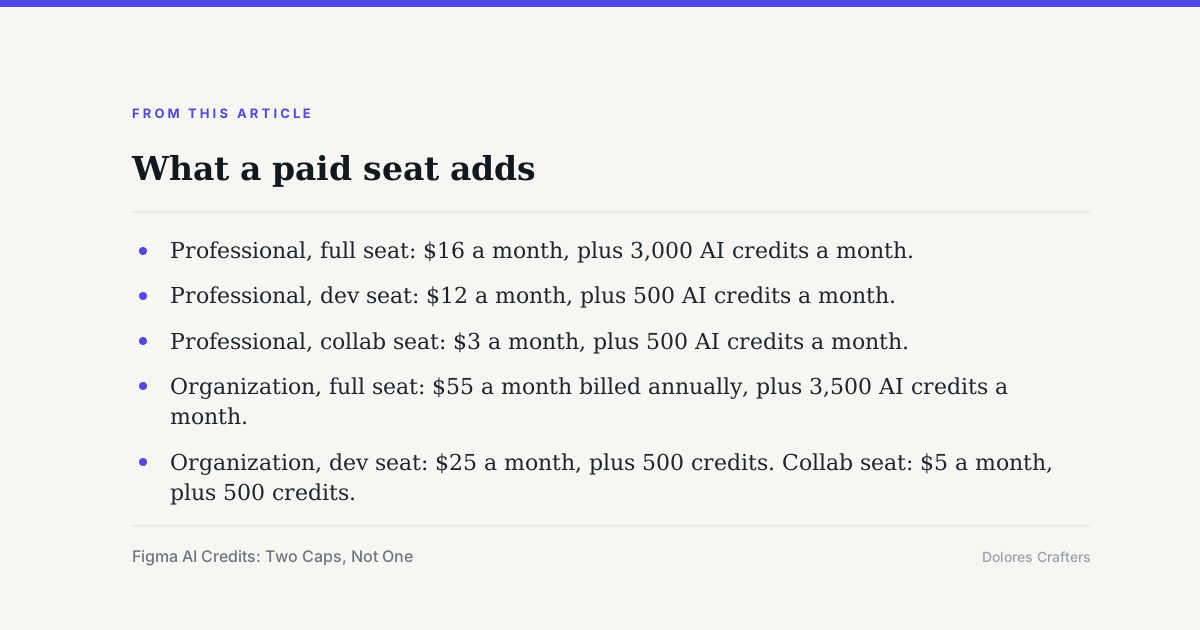
- Professional, full seat: $16 a month, plus 3,000 AI credits a month.
- Professional, dev seat: $12 a month, plus 500 AI credits a month.
- Professional, collab seat: $3 a month, plus 500 AI credits a month.
- Organization, full seat: $55 a month billed annually, plus 3,500 AI credits a month.
- Organization, dev seat: $25 a month, plus 500 credits. Collab seat: $5 a month, plus 500 credits.
- Enterprise, full seat: $90 a month billed annually. The FAQ lists 4,250 credits a month.
The page's own FAQ confirms the pattern: "Every seat in Figma includes a monthly allotment of AI credits. The number of credits and which features you can use them with depends on your plan and seat type."
It then lists full seats at "3,000 credits/month on the Professional plan", "3,500 credits/month on the Organization plan" and "4,250 credits/month on the Enterprise plan".
Everything else is flat. The FAQ states: "All other seats (Collab, Dev, and View) and users on the Starter plan receive 500 credits/month." A $25 dev seat and a free Starter user get the same allowance.
Credits per dollar falls as you move up
Most software gets cheaper per unit as you buy more. Figma's AI allowance moves the other way. By editorial calculation from the published seat prices and credit figures:
- Professional full seat: 3,000 credits for $16, about 188 credits per dollar.
- Organization full seat: 3,500 credits for $55, about 64 credits per dollar.
- Enterprise full seat: 4,250 credits for $90, about 47 credits per dollar.
- Professional collab seat: 500 credits for $3, about 167 credits per dollar.
- Organization dev seat: 500 credits for $25, about 20 credits per dollar.
The Enterprise seat costs 5.6 times the Professional seat and carries 1.42 times the credits. Nobody buys Enterprise for the credits, but it is worth knowing the AI allowance is not what the upgrade pays for.
The cheapest published route to credits is the $3 collab seat. That is a reporting quirk rather than a strategy, since the FAQ notes which features each seat type can spend credits on also varies.
One pool, many products
The credit is not tied to a single feature. The FAQ states: "Figma AI uses a credit system that is shared across all Figma AI features and products."
That is the same shared-pool design used elsewhere in the market, and it has the same consequence. Heavy use of one tool silently starves the others, as in what AI image credits actually buy.
Top-ups exist but carry no price on this page. The FAQ says only: "If you need more credits, you can purchase additional AI credits on your plan." No pack sizes and no pack prices are published there.
What the page does not tell you
Three things are missing. There is no published credit cost per action, so nobody can convert 3,000 credits into a number of generations.
There is no statement on whether unused credits carry forward, a question worth asking of any plan with a monthly reset. The vendor answers it elsewhere for some tools and not others, as collected in do unused AI credits roll over.
And the Professional row showed a monthly and annual toggle, while Organization and Enterprise are labelled "Billed annually" with no monthly option beside them on the page read here.
Frequently asked questions
How many AI credits does Figma's free plan include?
The Starter plan line reads "150 AI credits/day, up to 500 AI credits/mo". The monthly figure is the binding one, because 150 a day reaches 500 in under four days. Checked October 31, 2026.
How many credits does a paid Figma seat get?
The FAQ lists full seats at 3,000 credits a month on Professional, 3,500 on Organization and 4,250 on Enterprise. All collab, dev and view seats, plus Starter users, receive 500 credits a month.
What does a Figma seat cost?
The page lists Professional at $16 a month for a full seat, $12 for a dev seat and $3 for a collab seat. Organization is $55, $25 and $5 billed annually. Enterprise full seats are $90 a month billed annually.
Can I buy extra AI credits?
The FAQ says you can purchase additional AI credits on your plan if you need more, but it does not publish pack sizes or pack prices on the pricing page read here. It links to a help centre article instead.
Do the credits only work with one Figma product?
No. The FAQ states the credit system "is shared across all Figma AI features and products", though it adds that which features a seat can spend credits on depends on the plan and seat type.
How many images or generations do 3,000 credits buy?
The pricing page does not publish a credit cost per action, so that conversion cannot be made from it. It points to a help centre article on how AI credits work for the per-feature detail.
Bottom line
Two caps on one line is not a generous offer, it is a generous-looking one. Read the smaller period first and the free tier resolves to 500 credits a month, whatever the daily number says.
On the paid side, treat the credit allowance as a side effect of the seat you needed anyway. The upgrade buys administration and security, not meaningfully more AI, as in what Notion AI adds to a seat.
For the same free-versus-paid test in other categories, see Claude free, Pro and Max, Grammarly free versus Pro and the metered slide tools in Beautiful.ai versus Decktopus.
Sources
- Figma plans and pricing page, seat prices, AI credit lines and AI credits FAQ (checked Oct 31, 2026)